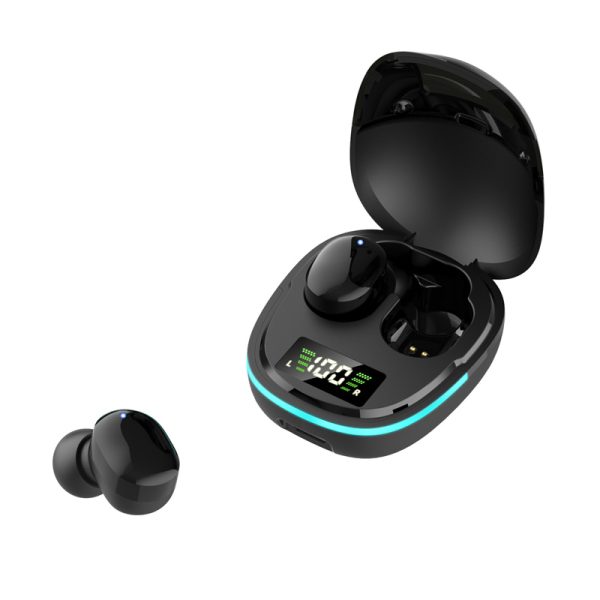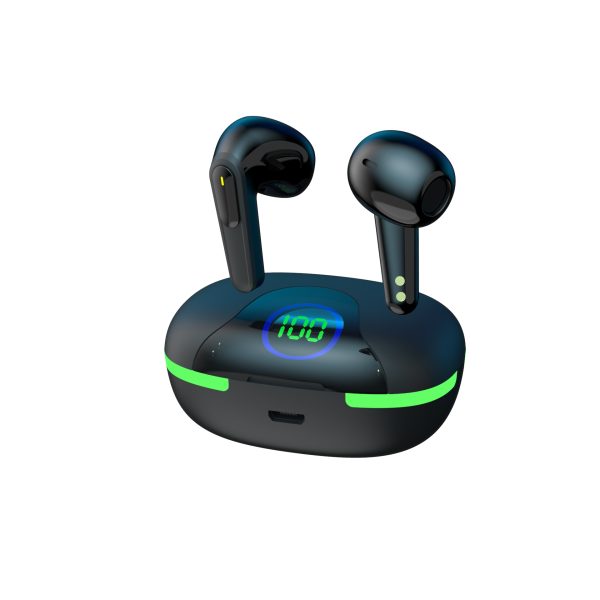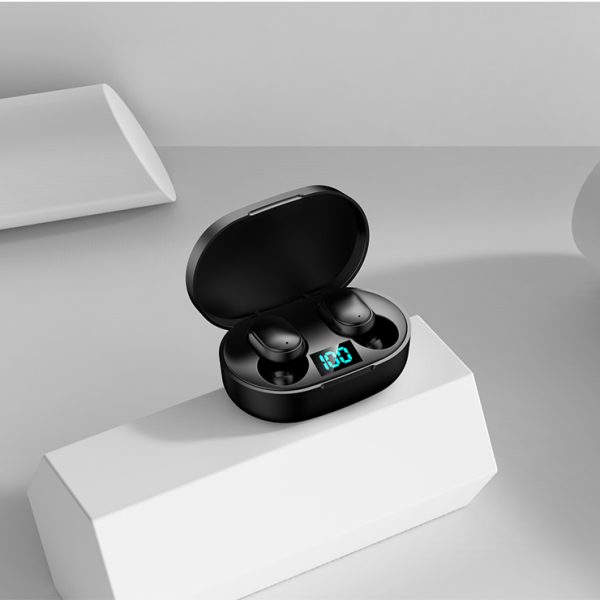

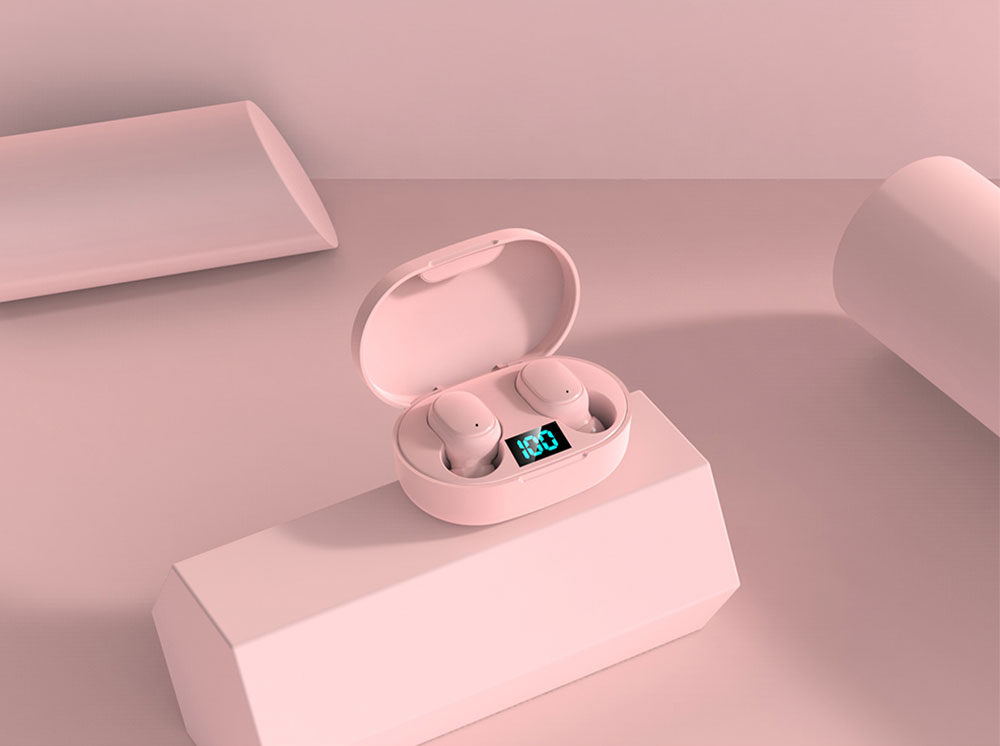

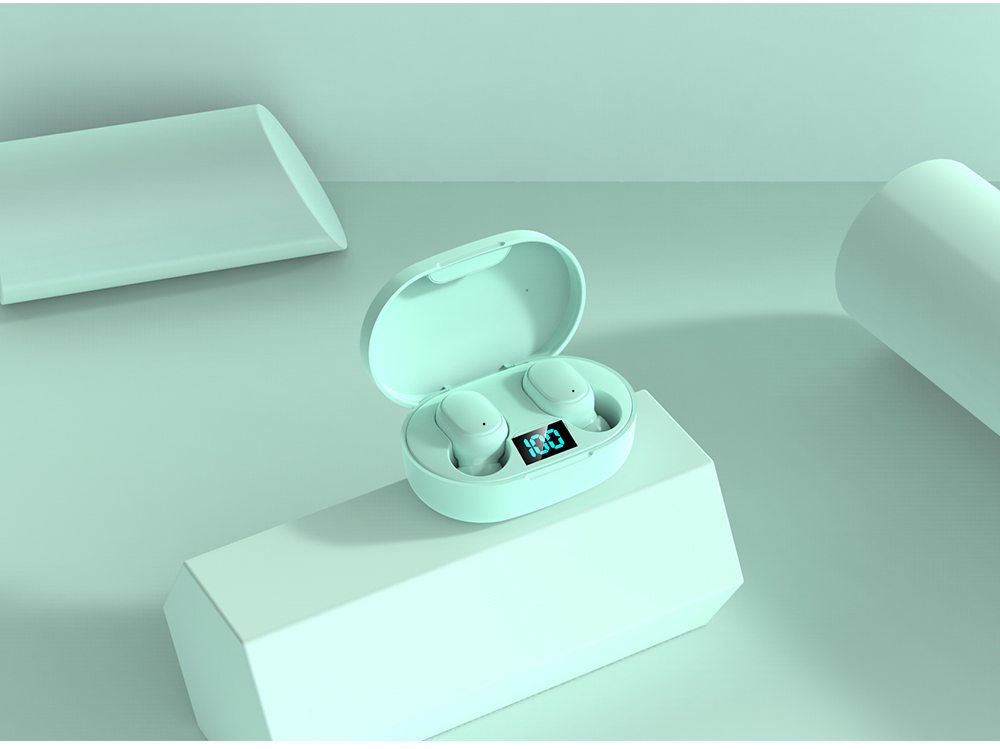


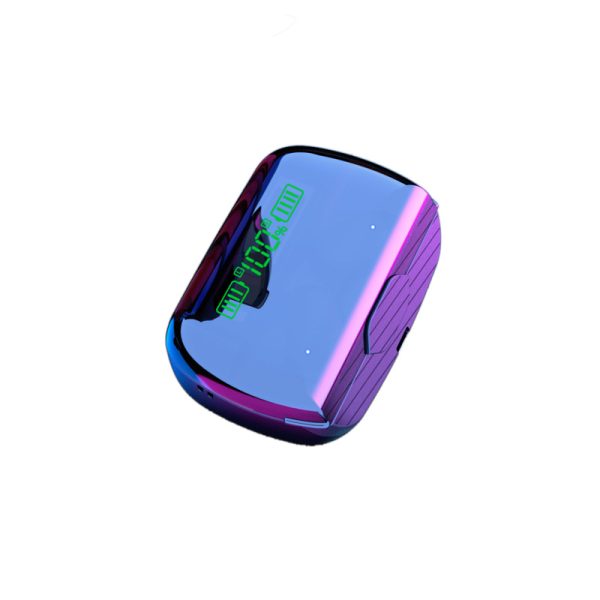
E6S
$123.00 – $125.00
- Digital Intelligent Power LED Display
- One-click Siri
- HI-FI Sound Quality
- Game “Ultra LoW Delay”
| Color | Black, Blue, Green, Pink, White |
|---|


Description
| Base Parameter | TWS Bluetooth earphone | Product appearance | |||||||
| Product Model | E6S |
|
|||||||
| PPG Chip | Jie Li 6969 | ||||||||
| BLuetooth | 5.1 | ||||||||
| microphone | -42db±2 | ||||||||
| Horn Size | 8mm | ||||||||
| Horn impedance | 32Ω | ||||||||
| Speaker sensitivity | 93dB | ||||||||
| under voltage alarm | 3.3V | ||||||||
| Headphone battery capacity | 30mAH | ||||||||
| Charging case battery capacity | 200mAH | ||||||||
| Play Time | 2Hours (Charge for 3 times) | ||||||||
| Product color | White, black, blue, green, pink | ||||||||
| Horn | White magnetic horn | ||||||||
| Parameters | |||||||||
| The horn parameters | Describtion | Standard value | Deviation | Unit | |||||
| impedance | 16 | 15% | Ω | ||||||
| Horn output level 1K (reference prototype) | 93 | ±3 | dB | ||||||
| Distortion of the received | 5 | ≦8.0 | % | ||||||
| Power consumption test | Shutdown electric current | 2 | ±10% | uA | |||||
| The dormant electric current | 0.5 | ≤2 | mA | ||||||
| electric current of playing music | 25 | 25-30 | mA | ||||||
| electric Current during call | 25 | 25-30 | mA | ||||||
| under voltage alarm | Condition of communication | 3.3 | 3.2–3.4 | V | |||||
| Ready mode | 3.3 | 3.2–3.4 | V | ||||||
| Power off | 3.1 | 3.0–3.2 | V | ||||||
| Charging electric current
test |
Charging case Charging electric current Aapter: AC 220V※ DC 5V |
360 | ±10% | mA | |||||
| Headphone charging electric current | 50 | ±10% | mA | ||||||
| Play Time | Standby time | 120 | ±10% | H | |||||
| Calling time | 2 | ±10% | H | ||||||
| Maximum charging time | 1.5 | ±10% | H | ||||||
| The maximum charging time is two hours.(Battery in low power state) | |||||||||
| Distance of communication | Normal communication distance | 10 | ±1 | M | |||||
| Distance for Playing music | 10 | ±1 | M | ||||||
| Maximum communication distance | 12 | ±2 | M | ||||||
| Function | |||||||||
| Blue / red light status indication | S/N | State of function | State instructions | ||||||
| 1 | Power on indicator light | when White lights is on after 1 second | |||||||
| 2 | Power off indicator light | Red light flashing 3 times | |||||||
| 3 | Signal matching indicator light | The red and white lights flashed alternately | |||||||
| 4 | Singal commnicating indicator light | / | |||||||
| 5 | Standby indicator light | / | |||||||
| 6 | Call in indiator light | / | |||||||
| 7 | Playing music indicator light | / | |||||||
| 8 | Charging indicator light | Red light is on | |||||||
| 9 | Charging completion indicator light | Red light is not bright | |||||||
| Regular functions | State of function | Operation | LED State | warning tone | Detailed description of functions | ||||
| Power on | Press the multifunction key for 1 second | when White lights is on after 1 second | Power On | In the shutdown mode, press and hold down the multi-function key for 3 seconds, then you can hear the boot indicate sound, the blue light starts to flash, and the headset is power on & stand by. | |||||
| Power off | Press the multifunction key for 3 seconds | Red light flashing 3 times | Power off | In boot mode, press and hold the multi-function key for 3 seconds. After hearing the power off indicating tone, the red light flashes 3 times and the headset power off. |
|||||
| data communication
Match up |
automatic pairing mode after booting | The red and white lights flashed alternately | matching up mode | When power off, pres the multi-function key for 3 seconds, it will be the matching up automatically. The red and blue lights flash alternately, the longest patching time is 300S, and the blue light flashes indirectly after success. |
|||||
| The matching up time is 5 minutes, and will be power off mode after matching up opperation cancelled. | |||||||||
| Automatical matching up when power on | Press the multifunction key for 3 seconds | Mater earphone:The red and white lights flashed alternately | Matching up success | Double earphones working mode: press the multi-function button at the same time for 3 seconds, and the main and subordinate earphone will automatically match up when the headset is power on, When the connection is successful, it indicates that the bluetooth is connected. |
|||||
| Subordinate earphone:The white light flashes once in two seconds | Matching up success | Single earphone working mode: press the multi-function button at the same time for 3 seconds, it will automatically match up when the headset is power on, When the connection is successful, it indicates that the bluetooth is connected. | |||||||
| Double-click the earplug in the right ear to redial the last number | Double-click the multi-function key | / | / | Double-click the earplug in the right ear to redial the last number | |||||
| Cancel dial-up | Press the multi-function key for a short time | / | The sound of bees | Press the multifunction button for a short time to cancel the dialing. | |||||
| Hang up | Press the multi-function key for a short time | / | The sound of bees | Press the Multifunction key during the call state, will end the call | |||||
| Answer a call | Press the multi-function key for a short time | / | Voice broadcast the calling in number | Press the multi-function button and the phone can answer the phone When ringing. (there is the sound in both earphones) |
|||||
| Refuse to answer the call | press the multifunction key for 2 seconds | / | / | press the function key for 2 seconds to reject the call when ringing. | |||||
| Double-click the earplug in the left ear to play the next tune | Double-click the multi-function key | / | The sound of bees | Double-click the earplug in the left ear to play the next tune | |||||
| Pause / play | the multi-function key one time | / | / | click the multifunction key to stop the music playing when playing the music. | |||||